
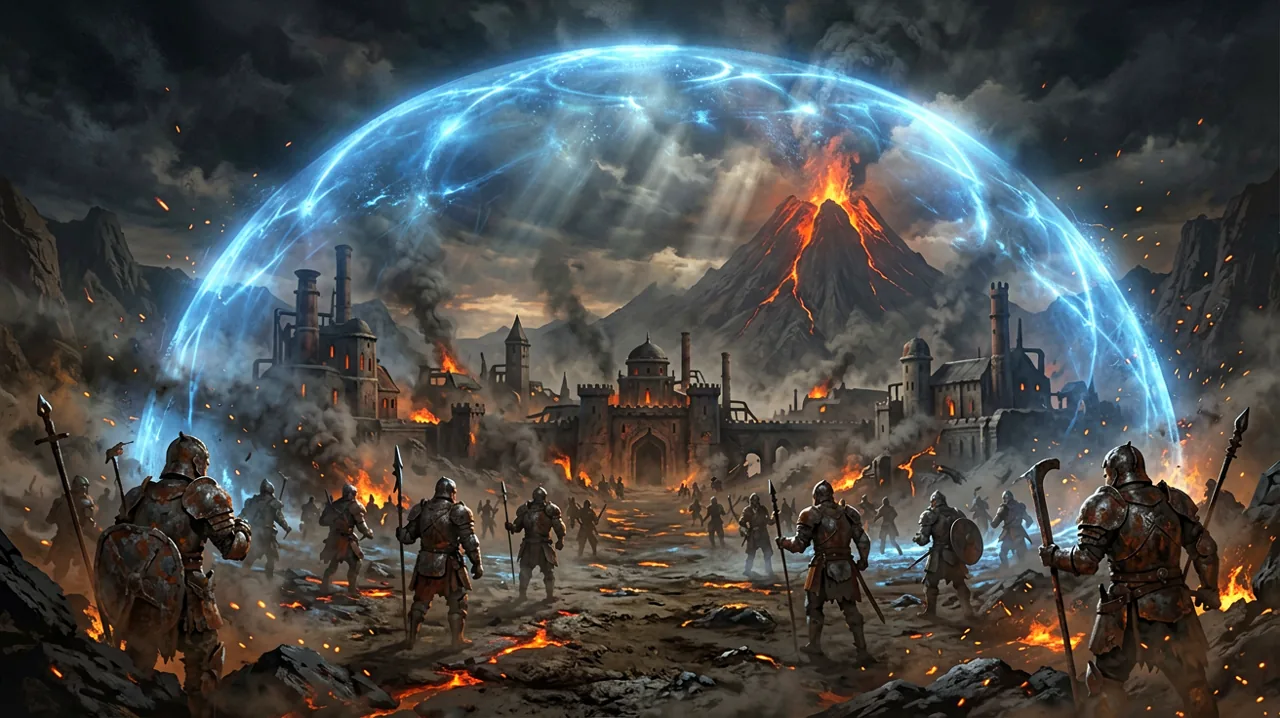
NVIDIA’s late June DLSS lineup announcement officially confirmed that Gothic 1 Remake has integrated support for DLSS Dynamic Multi Frame Generation and DLSS Super Resolution. This technology addition arrives at a crucial time for PC players struggling with the demanding Unreal Engine 5 environment of the Mining Colony.
Managing Unreal Engine 5 Performance Demands
Recreating Piranha Bytes’ 2001 classic in Unreal Engine 5 has brought incredible visual fidelity to the colony, but it has also placed a heavy burden on PC hardware. PC players have reportedly experienced high CPU utilization and elevated core temperatures. For instance, one community-reported case highlighted a system running an Intel Core i7-13700 paired with an NVIDIA RTX 4070 hitting temperatures upwards of 90°C while running the game on high settings.
While the developers previously addressed early PC crashes, optimizing the game’s actual rendering load remains an ongoing priority. The introduction of DLSS Dynamic Multi Frame Generation and Super Resolution allows RTX users to offload rendering pressure, providing a smoother framerate as they navigate the tensions between the Old Camp, New Camp, and Swamp Camp.
If you are just starting your journey inside the barrier, checking out our beginner-tips and reviewing the official system-requirements is highly recommended to ensure your PC is optimized for the colony.
Community Solutions for Technical and Gameplay Pain Points
While official technical updates address performance, the community has also stepped up to solve other gameplay pain points. Notably, the lockpicking minigame has been a major point of contention since launch. Even though the developers released Patch 1.0.1 to ease player frustration, some players still find the lock patterns tedious.
To combat this, a community member named vajdaz has released an open-source Python tool on GitHub that calculates the exact solutions for the lockpicking minigame. It is a testament to how dedicated the Gothic player base remains to bypassing the game’s most unforgiving elements.
For those running RTX hardware, updating your GPU drivers and enabling the newly added DLSS settings in the options menu is highly recommended to keep your frames stable while exploring the barrier.