
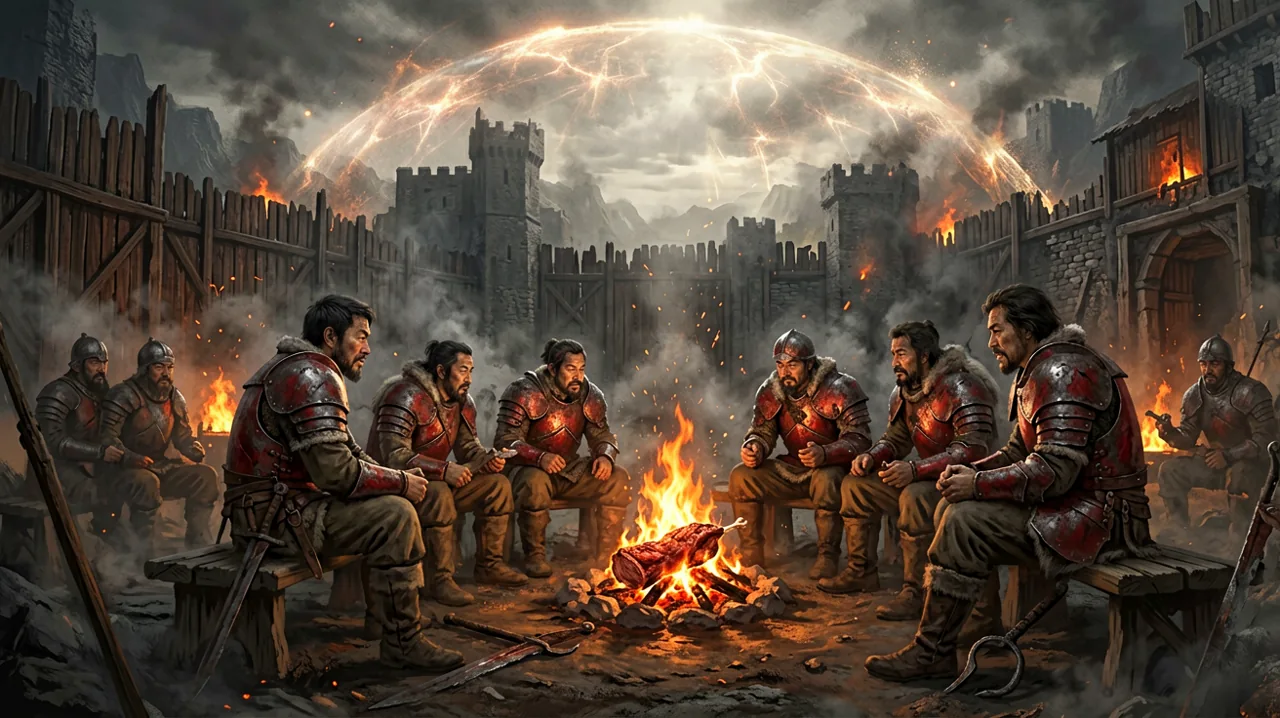
Welcome back to our ongoing coverage of the Gothic 1 Remake community. It has been over two months since Alkimia Interactive and THQ Nordic dropped us back inside the magical Barrier, and the player base is still finding entirely new ways to tinker with the game. While the official development team has been hard at work deploying patches to smooth out the initial launch turbulence, PC players and ambitious modders are taking matters into their own hands.
From clever localization workarounds that bypass engine restrictions, to operating system security conflicts, and deep philosophical debates about how the colony’s ecosystem actually functions over time—there is plenty to catch up on this week. Grab a piece of roasted scavenger meat, sit by the fire, and let us get caught up on the latest happenings around the Valley of Mines.
The Rise of Non-Destructive AI Localizations
Language support is invariably a massive undertaking for any role-playing game, especially one with the sheer volume of intricate dialogue found in this franchise. While the official release supports several major languages and full voice acting for the most prominent regions, some territories were left relying on English or German text. Recently, the modding community has started filling these language gaps using a surprisingly elegant and technical method.
A creator on the localization subreddit recently shared their process for building a comprehensive Ukrainian language pack for the Gothic 1 Remake, and the technical approach they took is fascinating. Instead of aggressively unpacking and repacking the Unreal Engine 5 archive files—which can often lead to severe game instability or immediate conflicts with future official updates—the creator opted for a non-destructive resource swap.
By extracting the interface text, quest logs, and dialogue strings directly from the engine’s external localization directories, they utilized advanced AI translation tools (primarily DeepL combined with specific LLMs for complex, context-heavy character interactions) to generate a highly accurate baseline script. The most crucial part of this project, however, was the font patching. Because the default user interface fonts often fail to render Cyrillic characters properly out of the box, resulting in broken text boxes, the modder managed to inject custom font files without triggering any anti-tamper or file integrity warnings from the game client.
This approach means players can simply drop the customized localization files into a designated folder without “hacking” the core executable. It is a massive win for game preservation and international accessibility. If you are interested in how the community is expanding language support and modifying the presentation, you might also want to read our previous coverage on new localizations and cinematics. We firmly expect this non-destructive method to be quickly adapted by other modders to bring unsupported languages to the colony.
Overcoming Windows 11 Smart App Control Blocks
On the technical troubleshooting front, a subset of PC players have run into a strange roadblock before even reaching the main menu. A recent thread on the World of Gothic community boards highlighted a frustrating issue where Windows 11’s “Smart App Control” feature completely blocked the game’s executable from launching, throwing a vague warning or simply refusing to execute the process silently.
Smart App Control is a relatively new Microsoft security feature designed to prevent malicious or untrusted software from running on modern Windows 11 machines. However, it relies heavily on cloud-based reputation systems and algorithmic trust scores. Occasionally, legitimate game updates or newly installed gaming executables fail this reputation check—usually because the specific version of the executable is too new to have built up a “trusted” footprint in Microsoft’s database. This results in a frustrating, silent block that leaves players thinking their game installation is corrupted.
If you find yourself suddenly unable to launch the game after an update, and you have not changed your hardware or installed any conflicting software, check your Windows Security settings immediately. You may need to temporarily disable Smart App Control or, preferably, add the game’s installation folder to your security exclusion list. While the developers have previously addressed PC crashes and stability issues from an engine standpoint, operating system-level security blocks are entirely out of their hands until Microsoft updates their telemetry whitelists to recognize the latest patches as safe.
The Respawn Mechanics Debate: Can You Live in the Colony Forever?
One of the most charming aspects of the original 2001 release was its static, handcrafted world. However, modern open-world RPGs have heavily conditioned players to expect dynamic, time-based ecosystems where enemies repopulate camps every three days. This culture clash recently sparked a great discussion about whether enemies, harvestable herbs, and merchant inventories respawn after a set amount of in-game time in the remake.
A player recently asked the community if they could do a “really slow playthrough” where they just exist in the colony, hunt animals in the morning, gather berries, and trade indefinitely without pushing the story forward. The short answer, based on extensive community testing and legacy knowledge, is that the colony absolutely does not operate on a daily respawn timer.
In Piranha Bytes’ original design philosophy—which Alkimia Interactive has reportedly preserved faithfully—monster populations, harvestable plants, and vendor stocks are strictly tied to chapter transitions. When you advance the main narrative and trigger a new chapter, the game state updates. New, significantly tougher monsters populate previously cleared areas, and merchants receive fresh shipments of ore, upgraded weapons, and vital consumables.
This strict mechanic is fundamentally crucial for balancing the ore economy and preventing infinite grinding for learning points and skills. If you painstakingly kill every Scavenger and Molerat around the Old Camp in Chapter 1, that forest will remain eerily quiet and entirely safe until Chapter 2 begins. Sleeping in a hut in the New Camp or renting a bed in the Old Camp for a week will not make the local merchant magically spawn more lockpicks or raw meat.
For players wanting a slow, infinite life simulator, this might be slightly disappointing, but it brilliantly reinforces the harsh reality of the penal colony. Resources are completely finite. If you strip-mine the map early on, you have to survive on what you hoarded until the story forces you into new dangers. It forces players to leave their comfort zones and explore deeper into the Orc territories or the dense Swampland.
UE5 CPU Temperatures on Modern Gaming Laptops
Gothic 1 Remake is visually stunning, aggressively leveraging Unreal Engine 5’s lighting and geometry systems to bring the dark fantasy setting to life. However, that graphical fidelity comes at a high thermal cost, particularly for gaming laptop users trying to maintain high framerates.
A user playing on a brand-new MSI Vector 16 HX laptop—equipped with a powerful Intel Core Ultra 7 255HX and an RTX 5070 Ti—reported severe CPU overheating issues this week. Despite overall CPU utilization looking relatively low on hardware monitoring software (averaging around 30% to 40%), individual core temperatures were spiking dangerously between 101°C and 104°C, triggering aggressive thermal throttling that tanked the game’s performance.
This is a known quirk with modern Unreal Engine 5 titles. The engine often hammers a few specific CPU threads intensely to manage draw calls, AI routines, and the heavy background math required by Nanite and Lumen, rather than distributing the load evenly across all twenty-plus available cores. As a result, the total CPU usage percentage might sit at a comfortable number, but the few cores doing the actual heavy lifting are maxed out and generating immense localized heat.
If you are experiencing similar thermal throttling on a high-end laptop, we strongly recommend checking our system requirements page and tweaking a few specific settings. Enforcing a strict frame rate cap (for example, locking the game to 60 FPS) through the Nvidia Control Panel or in-game settings can drastically reduce the CPU overhead by preventing it from preparing unnecessary frames. Additionally, ensuring your laptop is elevated for proper airflow or utilizing a high-quality cooling pad is practically mandatory for modern UE5 games.
Coping With “Post-Gothic Depression”
Finally, as more players manage to survive Chapter 6 and roll the credits on their 40+ hour journeys, a very familiar sentiment is echoing across forums and social media: “Post-Gothic Depression.”
One player perfectly encapsulated this lingering feeling by asking the community for modern game recommendations that could make them “feel like food for a scavenger again.” It is a humorous but highly accurate description of the zero-to-hero power fantasy that defines this entire franchise.
Very few modern action RPGs are willing to make the player completely helpless during the opening hours. In most contemporaries, you are the chosen one, swatting aside tutorial enemies with flashy combos. In the Valley of Mines, you start off terrified of a simple Bloodfly, actively avoiding the woods entirely at night because a single wolf pack will end your run. By the late game, however, you are wading through hordes of Orc elites and Demonic skeletons without breaking a sweat, wrapped in magical ore armor.
That specific transition from a ragged, starving convict holding a rusty pickaxe to a heavily armored battlemage is earned entirely through blood, sweat, and the careful allocation of finite resources. Once you achieve that god-like status and finish the game, moving on to another modern title where the world dynamically scales to your level often feels hollow and unrewarding. While veteran players are busy recommending classic Euro-jank titles or installing hardcore survival overhauls for other games, the truth is that the oppressive atmosphere of the Barrier is uniquely irreplaceable. If you are feeling that post-game emptiness, take comfort in knowing it is a shared community experience, much like we discussed in our piece on feeling like you missed everything during your first playthrough.