
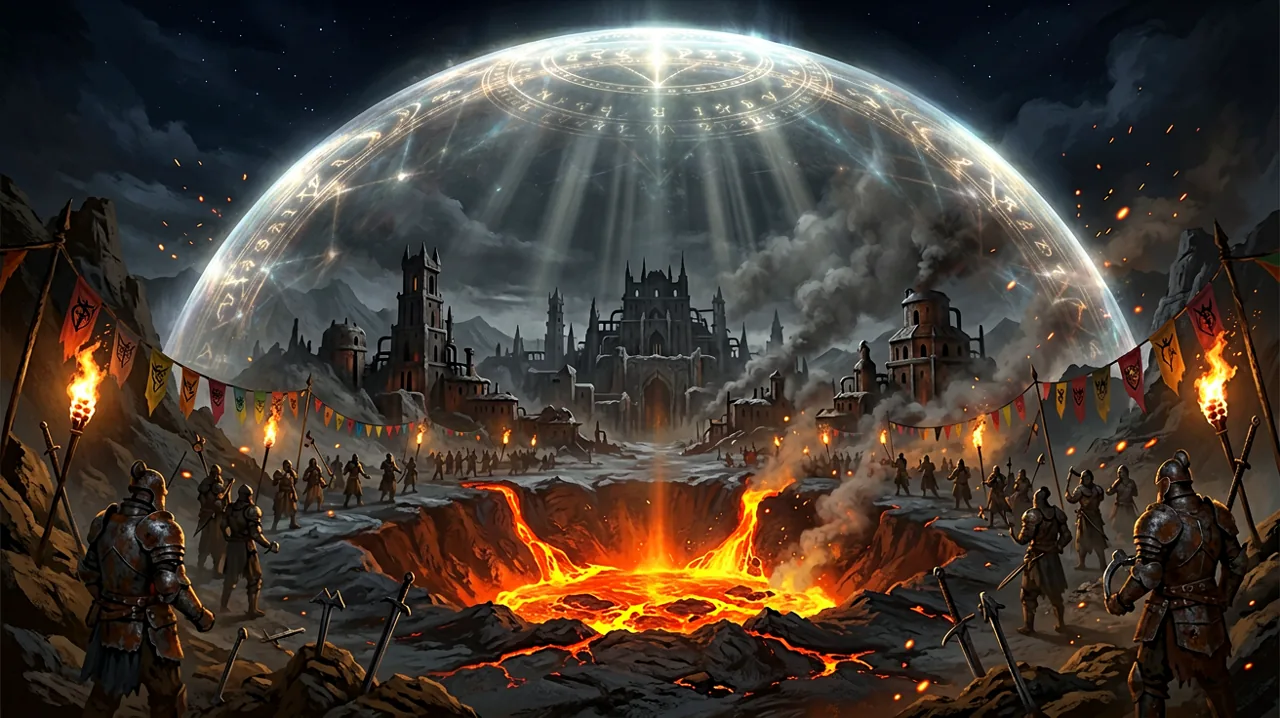
Just a few weeks after the hefty 1.0.5 patch addressed major boss mechanics and PS5 graphics modes, Alkimia Interactive has rolled out an unannounced hotfix. While not as glamorous as entirely new features or massive content overhauls, this targeted update addresses some of the most infuriating technical roadblocks currently plaguing the player base—specifically a bizarre crash tied to the game’s crime system, and significant Unreal Engine 5 performance bottlenecks.
For players attempting hardcore runs, or those struggling to run the game smoothly on older hardware, this update is a massive relief. Here is a complete breakdown of what the 1.0.5 Hotfix (known as Update 1.000.015 on PS5) brings to the treacherous world inside the Barrier.
The Infamous “Bed Crime” Crash Explained
In the harsh ecosystem of the Mining Colony, healing items like health potions, roasted scavenger meat, and medicinal herbs are scarce and expensive. Your most reliable way to restore health without spending your hard-earned wealth is simply finding a bed and sleeping until morning. However, the residents of the colony are incredibly territorial. If you sleep in a bed that belongs to a named NPC or a faction guard, the game’s dynamic AI scheduling kicks in. They will wake you up, draw their weapons, and demand you leave the hut immediately, often resulting in a brutal beating if you do not comply.
Unfortunately, since the game’s launch, a highly specific code error has been turning this immersive simulation into a technical disaster. Due to a logic bug, the game engine was attempting to wake the player up from the sleeping animation and assess the trespassing “crime” in the exact same frame. This simultaneous processing caused a catastrophic conflict in the game’s memory, immediately crashing the game to the desktop.
If you were playing on a standard save, this was a massive annoyance. If you were attempting a high-stakes challenge—such as the ones detailed in our perma-death survival guide—a hard crash during a save-restricted mode could ruin dozens of hours of progress. With this hotfix, the crime assessment is now delayed by a single frame. The NPC will still yell at you and likely knock you out for trespassing, but your game client will remain fully stable while they do it.
How Technical Stability Rescues the Ore Economy
In the Gothic 1 Remake, managing your resources is just as critical as mastering your combat stance. Ore is the lifeblood of the colony. You need it to purchase better weapons, upgrade your crude armor, and pay trainers for precious Learning Points to increase your strength or unlock new tiers of Rune Magic.
Before Hotfix 1.0.5, the bed-crashing bug inadvertently created a massive drain on the player’s economy. Sleeping is the intended free method for the Nameless Hero to recover from brutal encounters. But because sleeping in the wrong bed risked a hard crash, many players developed a trauma response—refusing to use beds in populated areas like the Old Camp out of fear of losing their unsaved progress.
Instead, players were forced to consume massive quantities of consumables to heal up between quests. This meant less Ore in your pockets when it came time to officially align with one of the three camps. By fixing this one-frame crime assessment bug, Alkimia has restored the intended balance of the early-game economy. You can finally rest safely, save your currency, and invest it where it truly matters: getting strong enough to survive the horrors of the late game.
Taming Unreal Engine 5: HDD Hitching and Stutter Relief
The Gothic 1 Remake utilizes a completely seamless open world. Unlike the 2001 original, which required loading screens for specific dungeons like the Old Mine or the Free Mine, the Remake streams these massive environments in real-time. While this looks gorgeous, it has put immense strain on storage drives.
Players running the game on older mechanical Hard Drives (HDDs) or budget Solid State Drives (SSDs)—as well as Steam Deck users playing off standard MicroSD cards—have reported severe “hitching.” This is a phenomenon where the game visibly stutters or freezes for a fraction of a second as it aggressively loads high-resolution textures and dense level geometry when you sprint across chunk boundaries.
The 1.0.5 Hotfix introduces substantial optimizations to the asset streaming pipeline. By restructuring how the engine queues data from slow storage devices, traversal stutters have been drastically reduced. If you were previously forced to use community workarounds just to navigate the wilderness smoothly (as noted in our PC performance optimization guide), you should notice a much more fluid experience when exploring the colony.
Smoother Traversal Across the Colony Hubs
The hitching issues on slower drives were particularly punishing when traveling between the major faction hubs. The path from the New Camp’s rice fields, guarded by mercenaries, down toward the murky terrain of the Swamp Camp involves loading drastically different environmental assets. The Remake’s dense foliage, dynamic lighting filtering through the Barrier, and intricate AI routines place a heavy burden on your PC’s hardware.
When the game hitches just as a pack of wolves or a lone Orc Scout spots you, your input timings for blocks and strikes are entirely thrown off. In a hardcore ARPG where a single missed parry can lead to a swift death, asset streaming stutters are fatal. The optimizations in this hotfix ensure that whether you are exploring the narrow, claustrophobic tunnels of the mines or sprinting through the open valleys, the frame pacing remains significantly more consistent, allowing your reflexes to dictate the outcome of a fight rather than your hard drive’s read speed.
Resolving the Nanite GPU Hangs
Unreal Engine 5’s Nanite virtualized geometry system is the backbone of the Remake’s stunning visual overhaul. It allows the developers to render incredibly complex structures—like the crumbling walls of the Mountain Fortress, the jagged peaks enclosing the valley, and the terrifyingly detailed Ore Mound—without traditional polygon limitations.
However, Nanite has been notoriously finicky on certain hardware configurations since launch. A persistent issue has been the “GPU Hang,” where the graphics card essentially locks up while attempting to process a complex Nanite cluster. The game freezes, the audio might continue looping in the background, and you are eventually forced to close the application via the Task Manager. This hotfix specifically addresses a critical Nanite pipeline error, stabilizing rendering in high-density areas. Whether you are navigating the dense, humid foliage of the swamp or standing atop the castle battlements, GPU utilization should now be significantly more consistent and crash-free.
Under the Hood: Async Physics and Array Code Fixes
Combat in the Gothic Remake is gritty, physical, and highly dynamic. Every swing of a broadsword and every deflected arrow relies on a complex physics engine. To keep frame rates high during frantic skirmishes with packs of Snappers or human mercenaries, the game utilizes asynchronous physics processing—offloading physics calculations to different CPU threads so they don’t block the main rendering thread.
Prior to this hotfix, an underlying bug in the async physics system would occasionally trigger a crash when multiple complex collisions happened at once. For example, hitting multiple grouped enemies with a high-tier Fireball spell, causing multiple ragdolls to interact simultaneously, could crash the engine. This update resolves that physics-related crash, ensuring that explosive magic and heavy melee swings are safe to use.
Additionally, the developers patched a background code error involving mismatched array sizes. While this sounds like pure technical jargon, array out-of-bounds errors are one of the most common causes of silent, unexpected crashes during long play sessions where memory is constantly being allocated and cleared by the engine.
Version Verification and What’s Next
For PC players on Steam, this update is a mandatory download. PlayStation 5 players will see this download pop up automatically on their dashboards as Update Version 1.000.015.
Once the patch is installed, you can easily verify that you are running the correct version by booting up the game and navigating to the Settings menu. Look in the bottom-right corner of your screen; the version number should clearly display CL 173255. If you do not see this number, try restarting your Steam client or checking for updates manually on your console.
While we are still waiting for news on the highly anticipated Mod Kit and the Marvin Mode restoration outlined in the post-launch roadmap, it is incredibly reassuring to see Alkimia Interactive prioritizing game stability. The colony is a dangerous enough place without having to worry about your graphics card hanging or a wooden bed frame crashing your entire simulation.