
The Hoarder’s Curse in the Valley of Mines
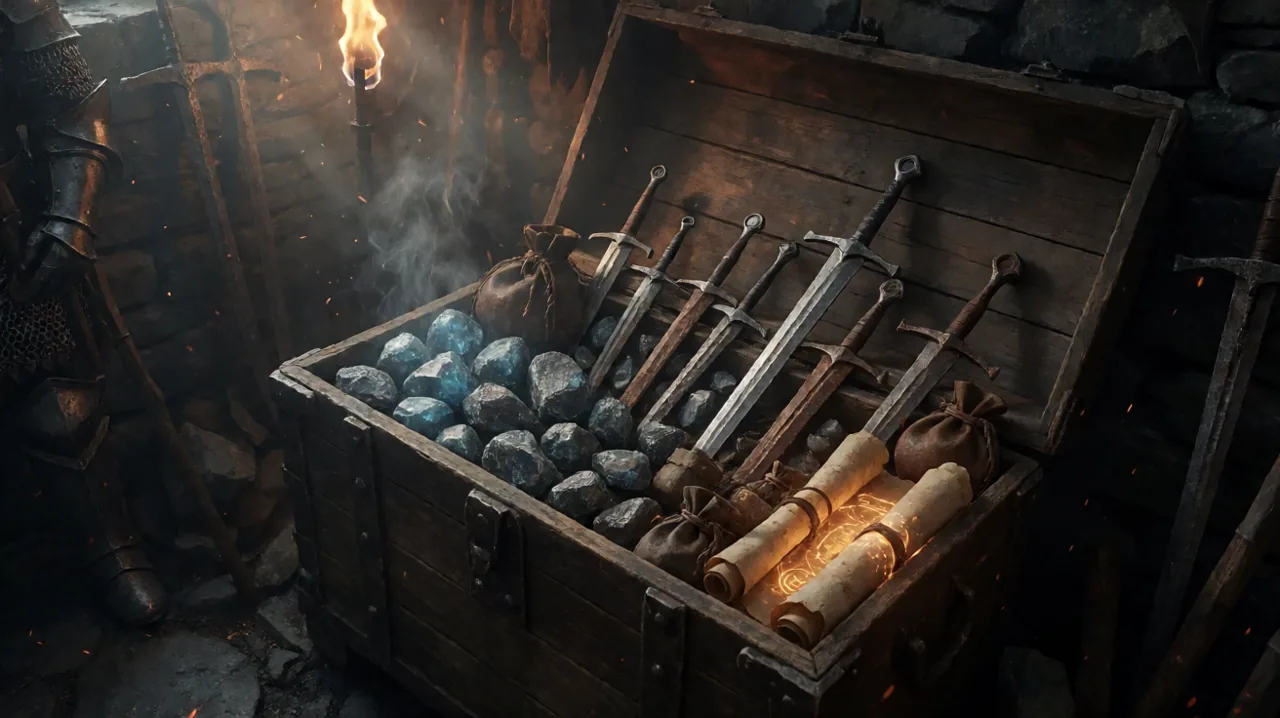
Anyone who has spent a few hours inside the magical Barrier knows the unspoken rule of survival: you pick up absolutely everything. The Nameless Hero operates less like a grand savior of the Colony and more like an opportunistic vacuum cleaner. Whether it is a rusty pickaxe dropped by a careless digger, a handful of blue glowing ore chunks hidden in a cave, or the raw meat harvested from a flock of aggressive scavengers, it all goes straight into your invisible pockets.
In the early game, this hoarding mentality is essential for survival. You need every single scrap of value to afford your first decent set of armor and a weapon that does not shatter on a Minecrawler’s shell. However, as you progress toward the mid-game and establish yourself within one of the three camps, your inventory inevitably transforms into a bloated nightmare. By the time you reach the later chapters, you are carrying enough armaments to equip a small militia, hundreds of animal trophies, and enough swampweed to keep the entire swamp camp heavily sedated for a month. Navigating this massive collection of items becomes a daunting chore that takes you out of the immersive atmosphere of the game.
The Flaws of the Vanilla Inventory System
When Alkimia Interactive rebuilt this classic ARPG for modern platforms, they naturally updated the user interface. The grid-based inventory of the remake is significantly more legible than the endless vertical lists from the original 2001 release. Items are divided into sensible tabs: Weapons, Magic, Armor, Consumables, and Miscellaneous.
Despite these massive improvements, the internal sorting logic within those specific tabs leaves much to be desired. By default, items often appear in the exact order you picked them up or according to an opaque internal ID system. If you want to compare your current equipped sword against a newly looted blade, you might have to scroll past thirty other inferior rusty weapons. Searching for a specific spell scroll in the heat of combat or trying to figure out which animal trophies you can safely sell without losing vital crafting materials can be an exercise in pure frustration. The lack of an auto-sort button based on stats or overall value has been a persistent piece of feedback since launch.
The Tedium of Manual Sorting
Desperate players have resorted to bizarre workarounds to keep their hard-earned gear organized. Because the game engine remembers the chronological order in which items enter your inventory, some dedicated fans have spent hours dropping their entire collection of weapons and rings onto the floor of their designated hut in the Old Camp. They then painstakingly pick them up one by one in their preferred order, essentially forcing the game to sort them chronologically.
This manual method is not only incredibly tedious, but it is also exceptionally fragile. All it takes is one massive looting spree in the Orc lands to completely ruin your carefully curated grid. Furthermore, dropping hundreds of individual item models on the ground in the Unreal Engine 5 physics system can occasionally cause severe framerate drops or even trigger collision physics crashes, making this workaround highly risky for your save file.
The Community Solution: The Inventory Sort Mod
Where official patches have focused heavily on stability, quest logic, and performance tweaks, the passionate modding community has stepped in to handle targeted quality-of-life adjustments. Recently, modders Erzmaster and SOL released a highly requested utility on GitHub: the Inventory Sort Mod.
This simple but incredibly effective modification completely overhauls the way items are displayed in the game menu. Instead of relying on acquisition order, the mod applies a strict, logical hierarchy to every single tab in your backpack. The custom sorting logic operates on a consistent three-tier system: Category Type, followed by Numerical Value, and finally Alphabetical Name.
According to the developers, the script is entirely non-destructive and safe for mid-playthrough installation. It simply reorganizes the visual layout of your items on the grid UI. It does not add new items to the world, it does not delete anything, and it strictly preserves all intended merchant prices and item quantities. You can install it midway through a difficult chapter without worrying about corrupting your hard-earned progress.
Breaking Down the Sorting Logic
To truly appreciate how much time this mod saves, you have to look at how it smartly handles the different categories of loot you accumulate over dozens of hours of gameplay.
Melee Weapons and Dexterity Gear
For combat-focused players relying on heavy strength builds, the weapons tab is usually the most cluttered screen in the entire game. The mod automatically separates two-handed heavy weapons from one-handed weapons, and aggressively pushes miscellaneous tools like pickaxes and pokers to the absolute bottom of the grid. Within those sub-categories, it sorts everything by descending damage value.
This means your hardest-hitting heavy broadsword is always sitting proudly at the top left of the grid. When you defeat an Orc and loot his crude axe, you no longer have to scan your entire inventory to see if it is a mathematical upgrade; the mod instantly places it exactly where it belongs in the damage hierarchy. Ranged weapons receive the exact same treatment. Bows and crossbows are neatly separated, ordered by their armor-piercing damage potential. This makes managing your gear as a ranger much more intuitive, keeping your best bows right next to your massive stacks of arrows.
Magic Runes, Scrolls, and Accessories
If you have decided to pursue the path of the arcane and delve into rune magic, your inventory is likely flooded with magical parchment. The mod neatly categorizes spells based on their inherent Magic Circle requirement. Healing spells, combat projectiles, and utility spells like Telekinesis or Light are grouped logically. When you are desperately trying to find an Ice Block scroll to freeze a charging Shadowbeast in a dark cave, knowing exactly where your crowd-control spells are located can literally be the difference between life and death.
Furthermore, magical accessories like rings and amulets are sorted by the specific bonuses they provide. Defensive rings that protect against fire or magic are clustered together, while accessories that boost maximum mana or maximum strength sit in their own organized blocks. This makes hot-swapping your jewelry before a tough boss fight drastically smoother.
Consumables and Trophies
Potions are immediately sorted by their healing or mana-restoring potency. Permanent stat-boosting potions are distinctly separated from standard consumables, preventing you from accidentally drinking a rare permanent strength potion when you just wanted a quick health bump after falling off a cliff. Animal trophies, such as teeth, claws, and rare skins, are ordered alphabetically, making it incredibly easy to see exactly how many wolf skins you have gathered before heading back to the camp merchants.
Transforming the Ore Economy and Bartering
One of the most profound impacts of this mod is how it subtly affects trading. The Gothic 1 Remake utilizes a unique bartering system where the ore economy reigns supreme. You exchange physical goods for glowing magic ore, and vice versa.
Crucially, the Inventory Sort Mod also automatically applies its logic to the merchant inventories. Before this mod, opening a trade window with Fisk in the Old Camp or Cronos in the New Camp meant staring at a chaotic jumble of items. Finding the single permanent stat potion hidden among fifty minor healing potions was a tedious minigame of its own.
With the mod active, merchant inventories are perfectly organized. When you visit a weapon smith, his most expensive, highest-damage crafted swords are immediately visible at the top. When you visit an alchemist, the potions are neatly arranged by their exact potency level. This drastically speeds up trading, allowing you to spend far less time squinting at item tooltips and more time exploring the treacherous wilderness of the Colony.
How to Install the Inventory Sort Mod
Installing community content for the Remake is surprisingly straightforward, especially since Alkimia promised basic modding support early on. Since this particular script does not alter core engine files or require complex script extenders, getting it running takes less than a minute.
- Download the Files: Head over to the official GitHub repository provided by Erzmaster (linked in the source section below) and download the latest release archive.
- Locate Your Game Folder: Open Steam, right-click on Gothic 1 Remake in your library, navigate to ‘Manage’, and select ‘Browse local files’.
- Extract and Drop: Extract the contents of the downloaded archive directly into the main game folder as instructed by the mod author. The mod utilizes the standard Unreal Engine 5 PAK file structure, so the game will automatically recognize and load the sorted logic upon startup without needing external mod managers.
- Launch and Enjoy: Boot up your save file, load into the game, and press the inventory key. You will immediately notice the pristine, automated organization across all tabs.
If you ever wish to remove the mod to experience the raw chaos of the vanilla game, simply delete the downloaded PAK files from your directory, and your inventory will revert to the original sorting method on your next load seamlessly.
The Future of Colony Quality of Life
While some purists might argue that wrestling with a messy backpack is part of the authentic, gritty experience of being a prisoner in the Valley of Mines, most modern players value their time too much to manually organize digital rusty swords.
This inventory overhaul pairs exceptionally well with other community-created interface enhancements, such as the popular Quest2HUD mod, which aims to modernize navigation without holding the player’s hand too much. It is highly encouraging to see the player base actively developing these surgical improvements so soon after launch. As the modding scene continues to mature and official tools are expanded, we can likely expect even deeper customization options for the UI and weapons and armor management. For now, Erzmaster and SOL have provided an absolutely essential download for anyone looking to keep their hard-earned loot, and their sanity, entirely intact.